
SetupYour QR code
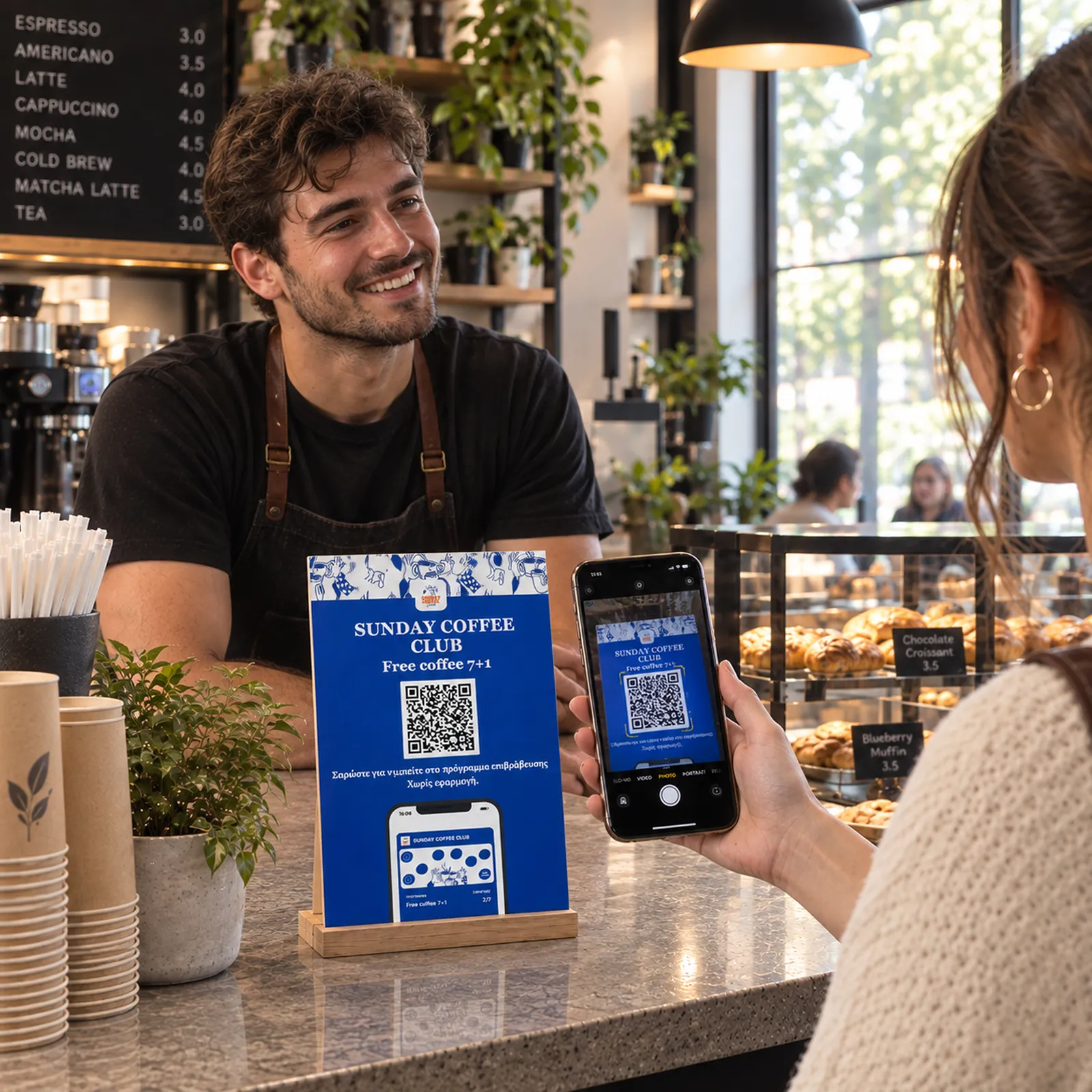
Display your QR code
Place your loyalty QR code where customers can see it: at the counter, on tables, receipts, or posters.
No app
The whole loop, from the QR code you put on the counter to the notification that brings someone back. Every step takes minutes to set up and seconds to use.
Place your loyalty QR code where customers can see it: at the counter, on tables, receipts, or posters.
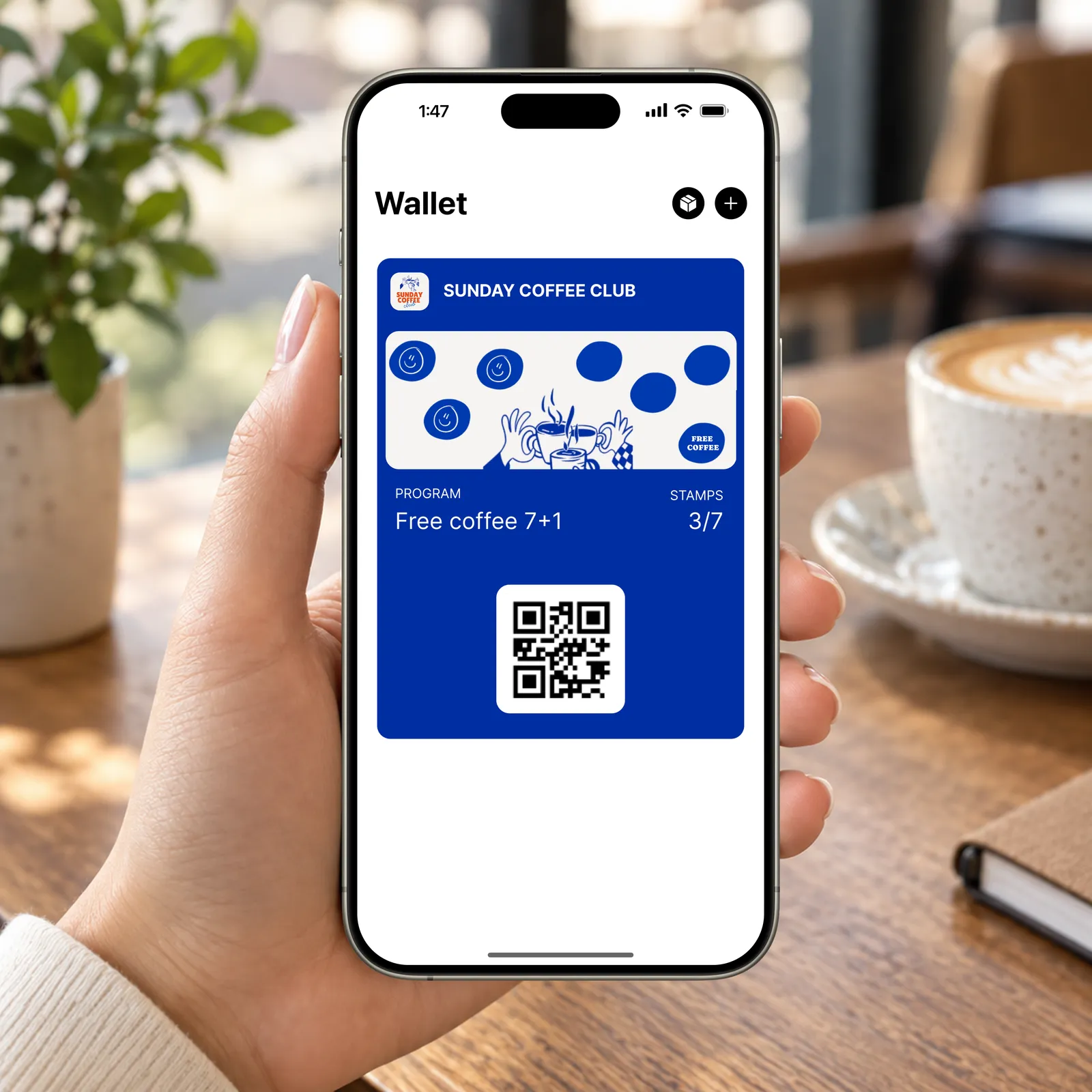
After scanning, customers fill in a short form and save your loyalty card to Apple Wallet or Google Wallet. No app download needed.
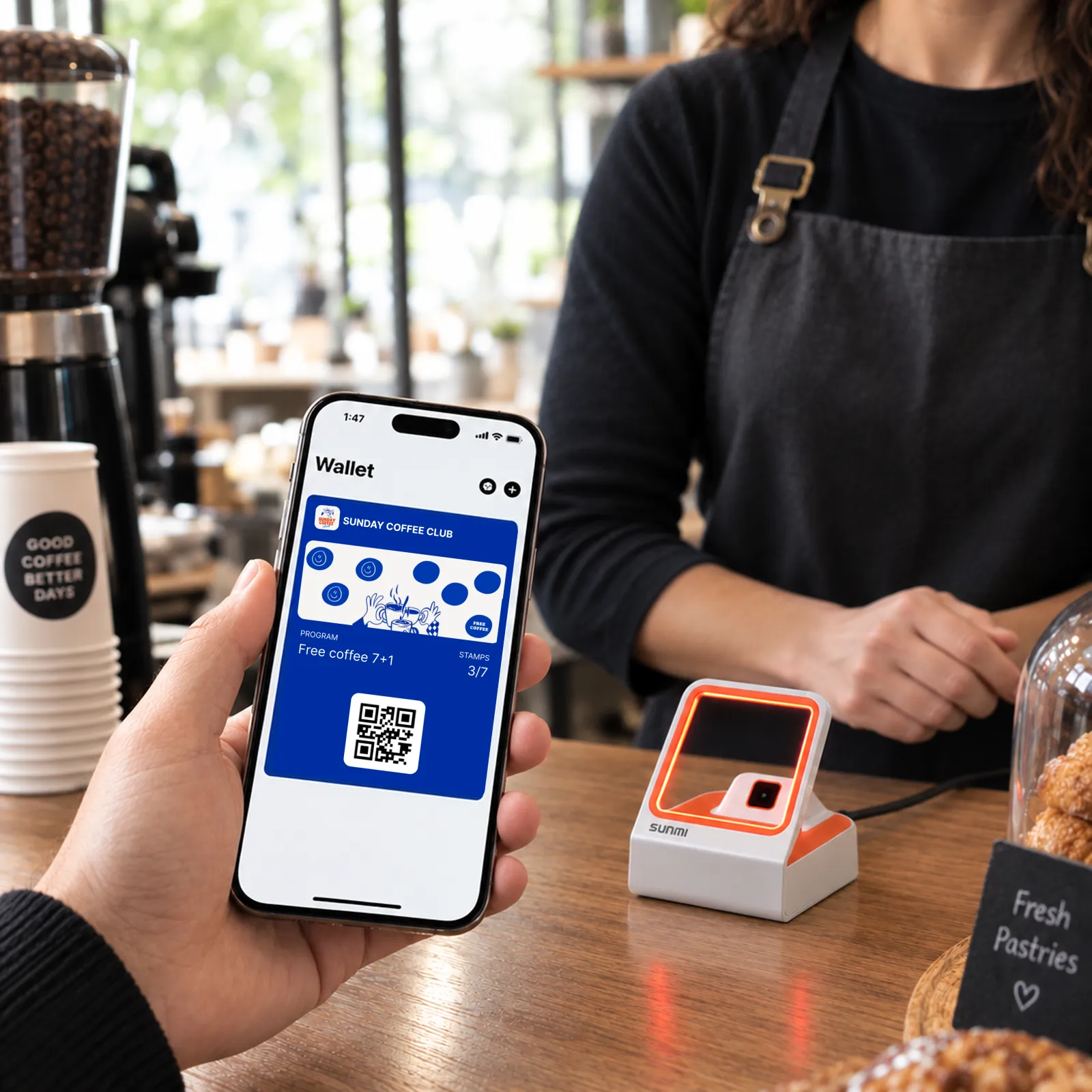
Scan at the counter and points update in real time. Works from your phone, tablet, counter scanner, or POS terminal.
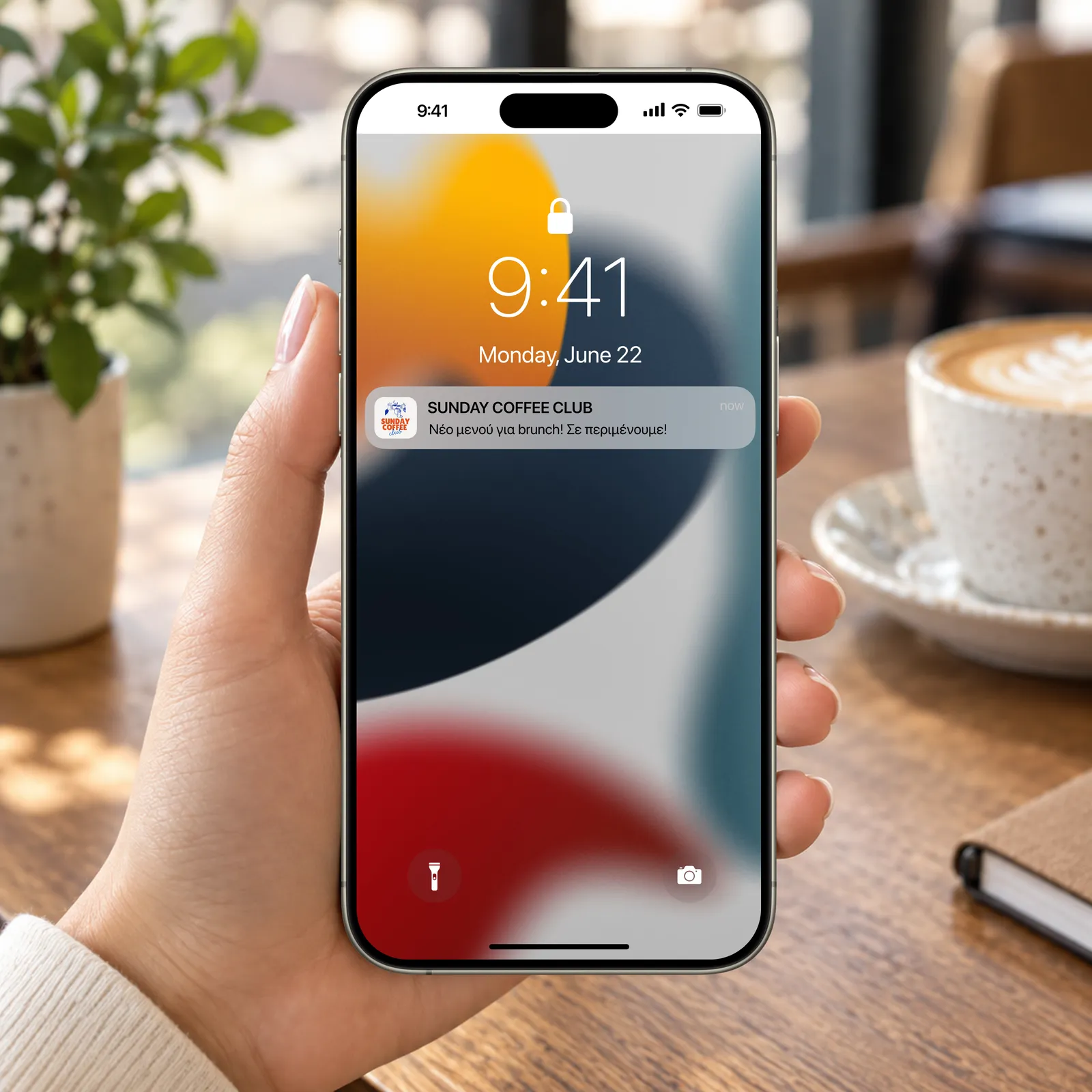
Send offers, birthday rewards, and updates straight to their phone through the wallet card. Segment by visits and spend, and see what your program really brings in.
Scan this QR code with your phone to add a demo Habulo card to your Apple or Google Wallet. See exactly what your customers will experience.
Have another question? We'd be happy to help.
It's simple: Instead of paper stamps that get lost, you give your customers a QR code. They scan it, and the card "lives" in their Apple or Google Wallet. Every time they visit, they just show their phone.
Not at all! All you or your staff need is a smartphone or tablet with access to the Habulo web app through your browser. No connection to your current cash register system is required.
You'll see which customers have your card, how many stamps they've collected, and when they last visited. This way, you know who your true regulars are.
Absolutely. We prioritize data protection and are fully GDPR compliant. We only collect what's necessary for the loyalty program to function.
Through the Habulo dashboard, you can write your message and send it to all your cardholders. It will appear on their screen like a normal notification, without them needing to download any app.
Of course! The card will have your business colors, your logo, and your own aesthetic, so customers feel it's your own tool.
Almost all modern phones (iPhone and Android) come with Apple Wallet or Google Wallet pre-installed. The process is automatic and requires no extra setup from the customer.
Yes, a basic connection (Wi-Fi or 4G/5G) is needed so the scanner app can update stamps in real-time.
Leave your email or phone number and we'll get back to you, or call you to show how it works.