Location notifications: bring in the people walking past your shop
For one to four hours, your card appears on the lock screen of customers who are a few metres from your shop. When it is worth using, and what to write.
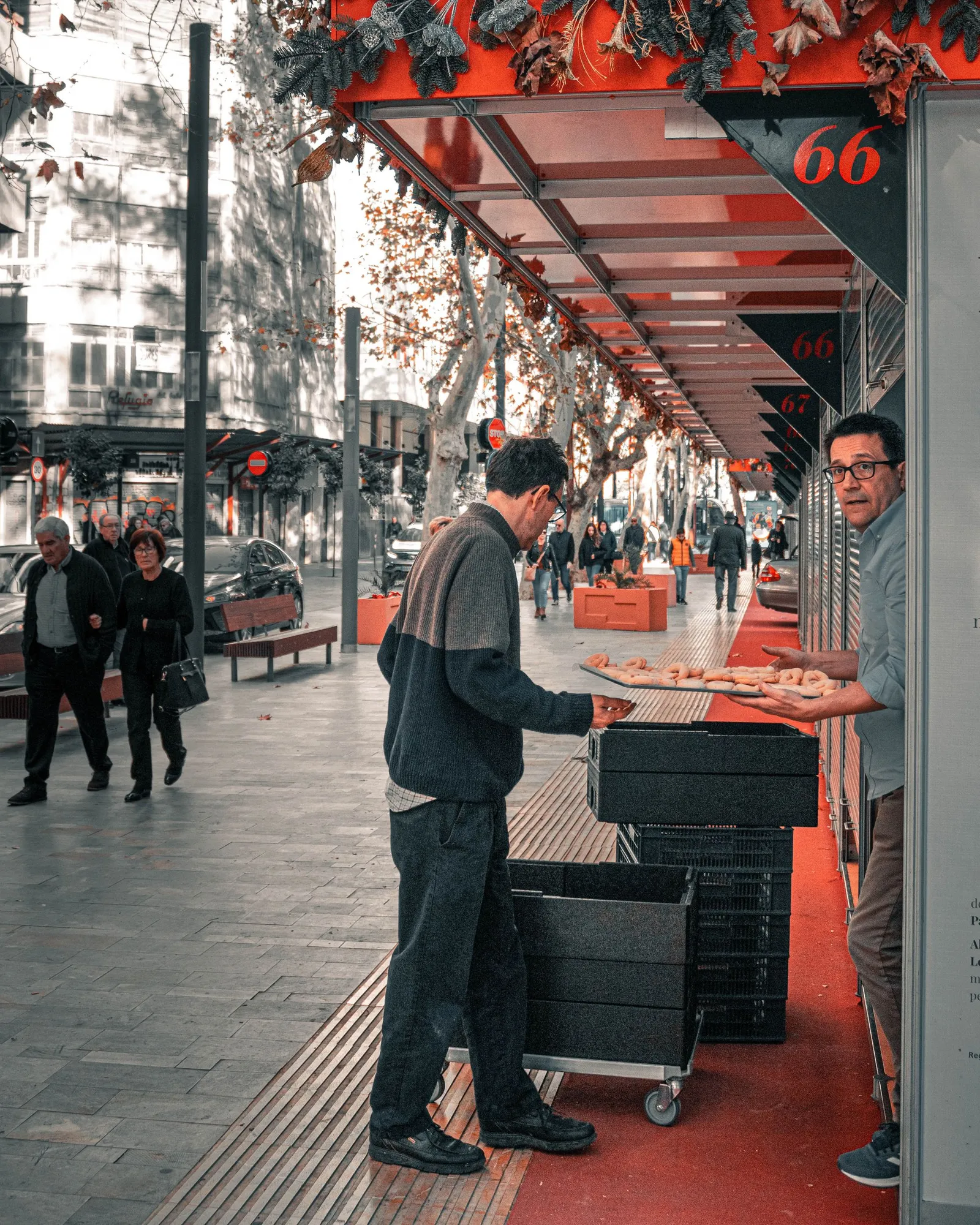
How many of your customers walk past your shop every day without coming in? Most of them have no reason not to. It simply did not cross their mind at that moment. Location notifications exist for exactly that moment.
How they work
You start a location notification with a short message and choose how long it runs, up to 4 hours. While it runs, when a customer with your card in Apple Wallet comes within about 25 metres of the shop, the card appears on their iPhone's lock screen together with your message.
When the time is up, the notification stops on its own. If your plans change, you can stop it early.
For it to work, the shop needs a position on the map, set in its settings. The feature is available in Apple Wallet only, because Google Wallet does not support anything equivalent.
Why for a few hours, not for ever
A notification that runs permanently quickly loses its value. A customer who lives or works next to the shop would see it all day, every day, and soon stop reading it. A notification that lasts a few hours has a reason to exist: it says something that is true right now.
When it is worth using
During quiet hours. If the shop empties out after lunch, an offer from 3 to 5 can fill a few tables.
When you have something fresh. Bread just out of the oven, or a special dish of the day.
When you have stock left over. Pastries or dishes that need to go before closing time.
On days with lots of people in the street. A street market, a festival, a match or a concert nearby.
What to write
The message is seen by someone on the move, so it has to read at a glance.
Tell them they are close by: "You are right next to us!"
Give a reason to come in now: "2-for-1 coffee until noon."
Keep it short. One or two short sentences are enough.
For example: "You are right next to us! Fresh bread rolls straight from the oven, while they last."
Who it reaches
You can send it to all your customers, or only to the customers of one program or one shop. Where it appears depends on the audience you chose: pick one shop and it appears only near that shop. Each business can have one location notification running at a time.
Use the feature a few times a week, when you really have something to say. That way, every time a customer sees your card on their screen, they will know it is worth a look.