
ΣτήσιμοΤο QR σας
Εμφανίστε τον κωδικό QR σας
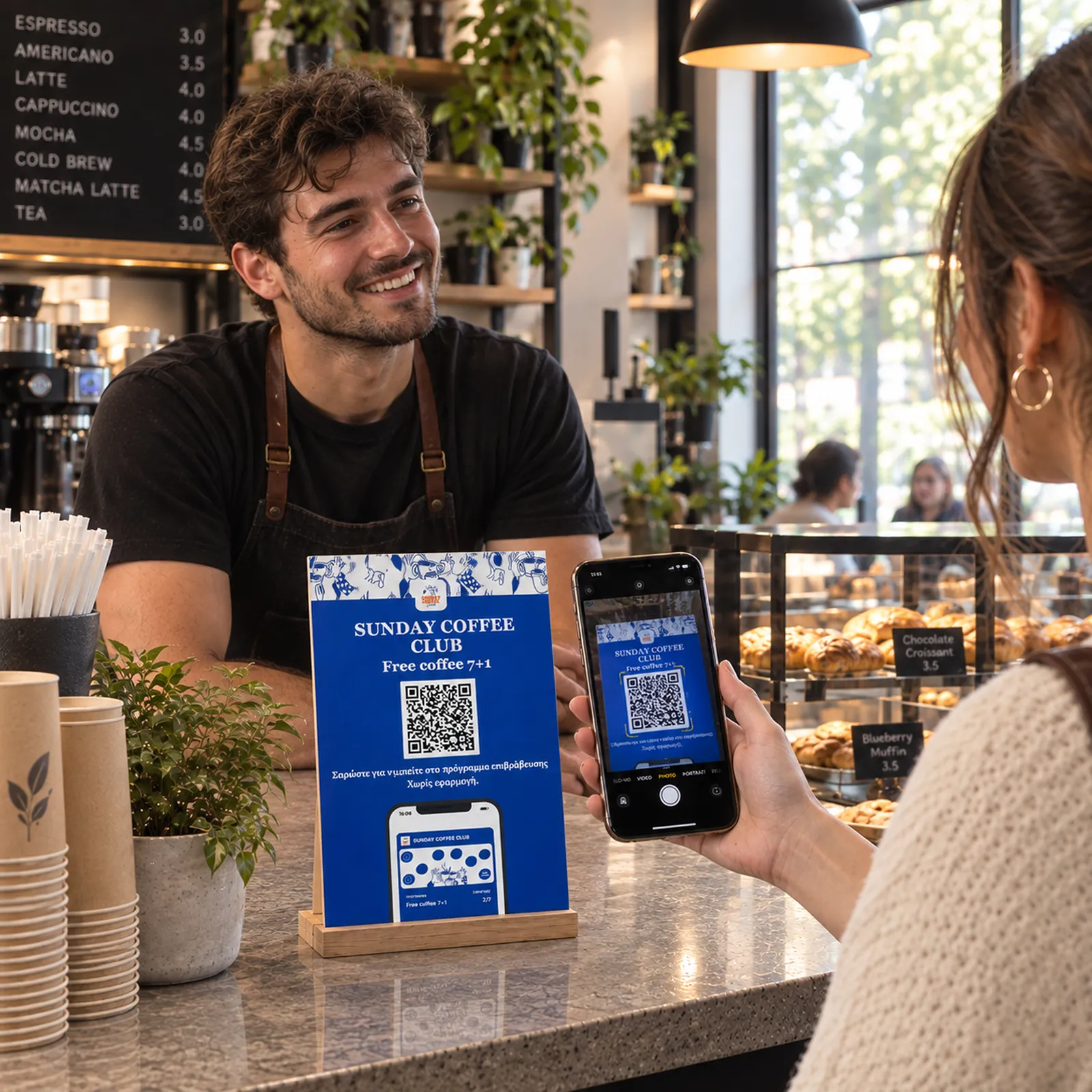
Τοποθετήστε τον κωδικό QR του προγράμματος εκεί όπου μπορούν να τον δουν οι πελάτες: στο ταμείο, στα τραπέζια, στις αποδείξεις ή σε αφίσες.
Χωρίς εφαρμογή
Ολόκληρος ο κύκλος, από το QR που βάζετε στο ταμείο μέχρι την ειδοποίηση που φέρνει τον πελάτη πίσω. Κάθε βήμα θέλει λίγα λεπτά για να στηθεί και δευτερόλεπτα για να χρησιμοποιηθεί.
Τοποθετήστε τον κωδικό QR του προγράμματος εκεί όπου μπορούν να τον δουν οι πελάτες: στο ταμείο, στα τραπέζια, στις αποδείξεις ή σε αφίσες.
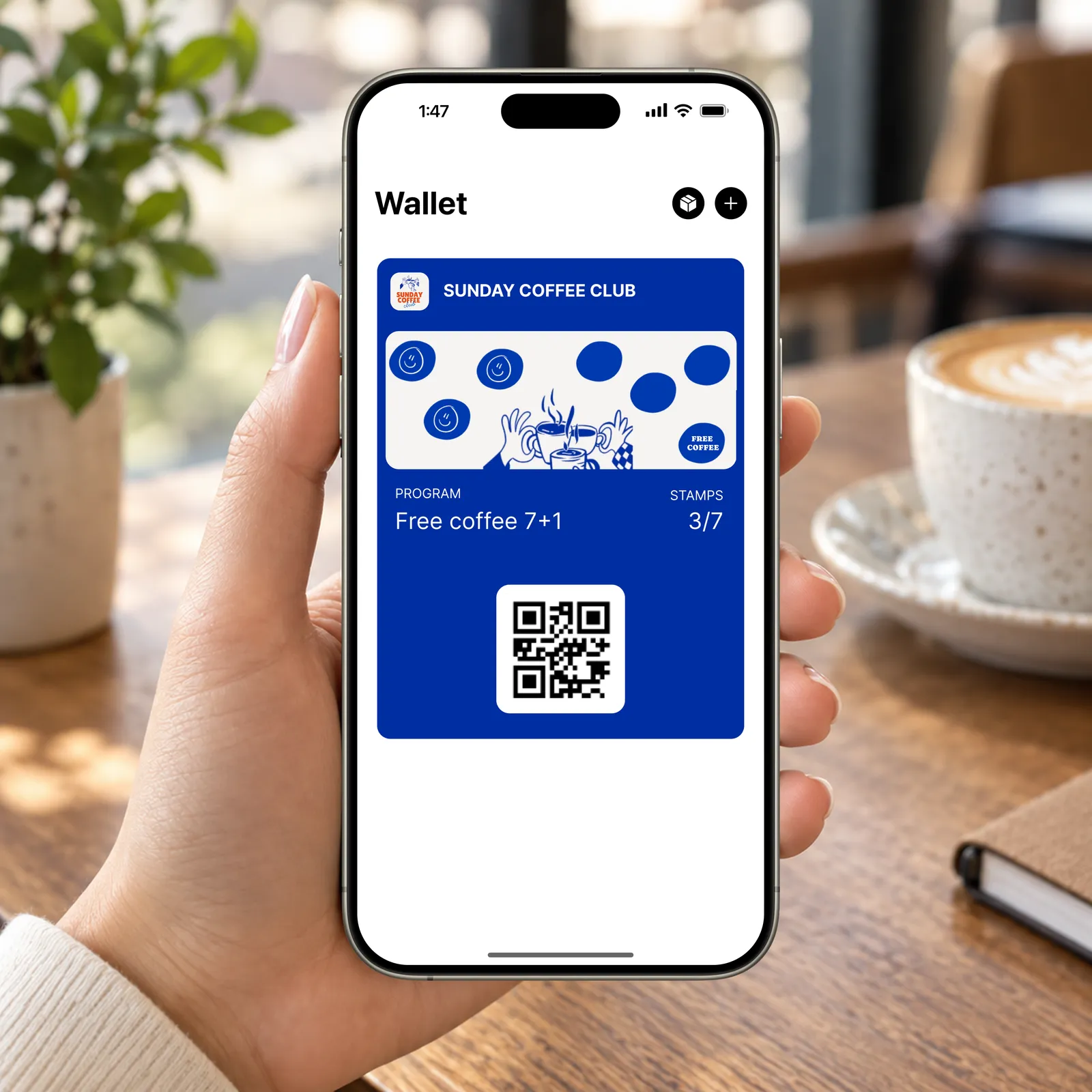
Μετά τη σάρωση, οι πελάτες συμπληρώνουν μια σύντομη φόρμα και αποθηκεύουν την κάρτα loyalty σας στο Apple Wallet ή στο Google Wallet. Δεν χρειάζεται κατέβασμα εφαρμογής.
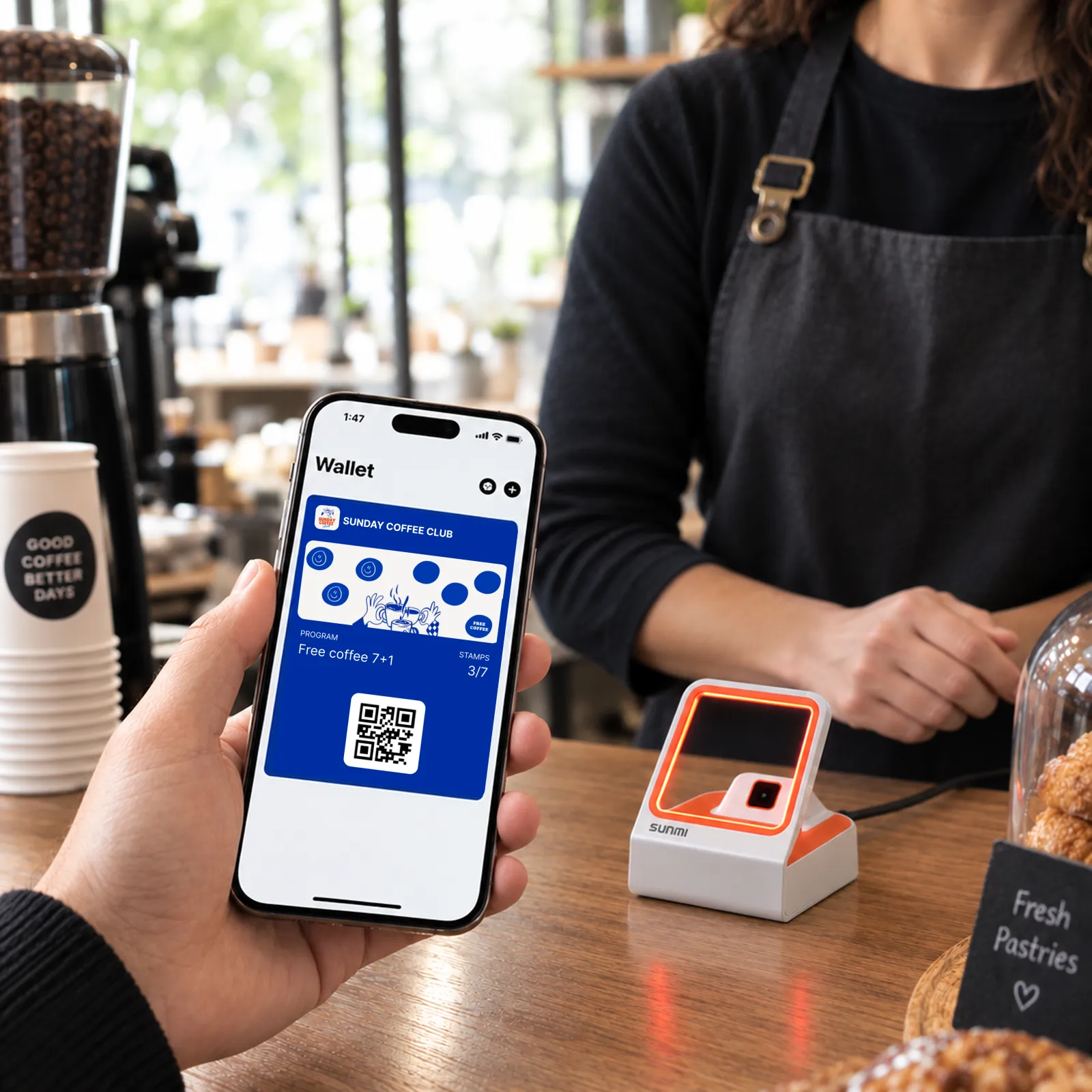
Σαρώστε στο ταμείο και οι πόντοι ενημερώνονται σε πραγματικό χρόνο. Λειτουργεί από κινητό, tablet, scanner ταμείου ή POS terminal.
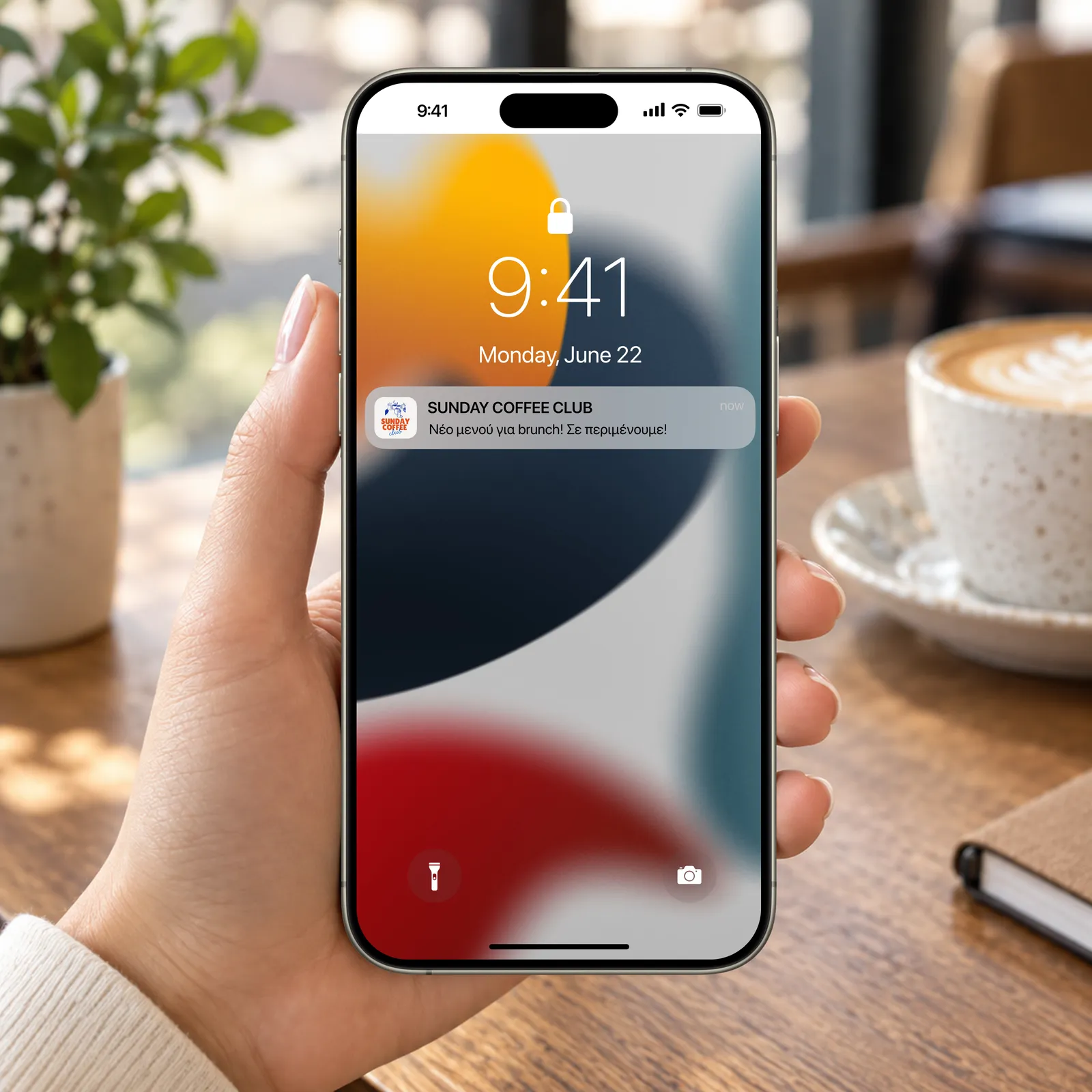
Στείλτε προσφορές, επιβραβεύσεις γενεθλίων και ενημερώσεις απευθείας στο κινητό τους μέσα από την κάρτα wallet. Δείτε ποιοι πελάτες επιστρέφουν, πόσο ξοδεύουν και τι αποφέρει πραγματικά το πρόγραμμα.
Σαρώστε αυτόν τον κωδικό QR με το κινητό σας για να προσθέσετε μια δοκιμαστική κάρτα Habulo στο Apple ή Google Wallet. Δείτε ακριβώς την εμπειρία που θα έχουν οι πελάτες σας.
Σαρώστε για τη δοκιμαστική σας κάρτα
Έχετε περισσότερες απορίες; Είμαστε εδώ για να σας βοηθήσουμε.
Είναι απλό: Αντί για χαρτάκια που χάνονται, δίνετε στους πελάτες σας έναν κωδικό QR. Τον σαρώνουν και η κάρτα «ζει» στο Apple ή Google Wallet τους. Κάθε φορά που σας επισκέπτονται, απλώς δείχνουν το κινητό τους.
Καθόλου! Το μόνο που χρειάζεστε εσείς ή το προσωπικό σας είναι ένα smartphone ή tablet με πρόσβαση στη διαδικτυακή εφαρμογή του Habulo μέσω του browser σας. Δεν απαιτείται καμία σύνδεση με το τρέχον σύστημα του ταμείου σας.
Θα βλέπετε ποιοι πελάτες σας έχουν την κάρτα, πόσες σφραγίδες έχουν μαζέψει και πότε σας επισκέφθηκαν τελευταία φορά. Έτσι ξέρετε ποιοι είναι οι πραγματικοί σας θαμώνες.
Απολύτως. Δίνουμε προτεραιότητα στην προστασία των δεδομένων και είμαστε πλήρως εναρμονισμένοι με τον GDPR. Συλλέγουμε μόνο τα απαραίτητα για τη λειτουργία της υπηρεσίας.
Μέσα από τον πίνακα ελέγχου του Habulo, μπορείτε να γράψετε το μήνυμά σας και να το στείλετε σε όλους τους κατόχους της κάρτας σας. Θα εμφανιστεί στην οθόνη τους σαν κανονική ειδοποίηση, χωρίς να χρειάζεται να κατεβάσουν κάποια εφαρμογή.
Φυσικά! Η κάρτα θα έχει τα χρώματα της επιχείρησής σας, το λογότυπό σας και τη δική σας αισθητική, ώστε οι πελάτες να νιώθουν ότι είναι δικό σας εργαλείο.
Σχεδόν όλα τα σύγχρονα κινητά (iPhone και Android) έχουν προεγκατεστημένο το Apple Wallet ή το Google Wallet. Η διαδικασία είναι αυτόματη και δεν χρειάζεται καμία έξτρα ρύθμιση από τον πελάτη.
Ναι, χρειάζεται μια βασική σύνδεση (Wi-Fi ή 4G/5G) για να μπορεί η εφαρμογή σάρωσης να ενημερώνει τις σφραγίδες σε πραγματικό χρόνο.
Αφήστε το email ή το τηλέφωνό σας και θα επικοινωνήσουμε μαζί σας ή θα σας καλέσουμε για να σας δείξουμε πώς λειτουργεί.